
06 · TK-101 · Projects
Automatic door control in ladder logic on the LogixPro simulator
A ladder program for the LogixPro door simulation in three stages: a simple seal-in, then OTL and OTU with limit switches and a stop button, then open and shut lamps plus a lamp that stays on while the door is moving.
The problem
An industrial door with a two-way motor needs logic that never opens and closes at once, stops the motor at the end of travel, always gives the stop button priority, and shows the operator the door state.
Solution and data flow
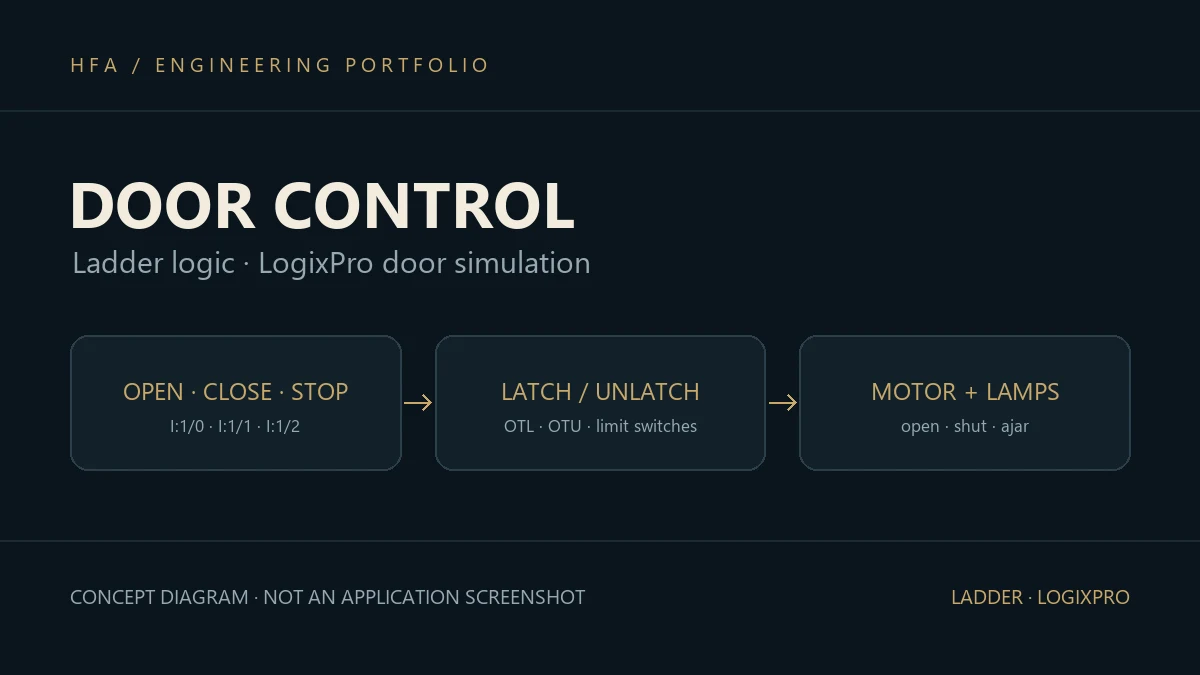
The simulator provides OPEN, CLOSE and STOP buttons on I:1/0, I:1/1 and I:1/2, two limit switches on I:1/3 and I:1/4, and the open and close motor outputs on O:2/0 and O:2/1. The program was written in three successive versions:
- Version one: a seal-in branch on each motor output, conditioned on the stop button and the opposite limit switch, with status lamps driven straight from the limit switches.
- Version two:
OTLlatches the move command on the button press, andOTUreleases it when the door reaches its limit, the opposite direction is pressed, or STOP is pressed. - Version three: the same logic plus open and shut lamps that light when the move is released at its end, and a third lamp that stays on while either the open or the close motor is running.
Implementation and challenges
The key detail is that STOP is a normally closed button in the simulator, so it is read with XIC in the run condition and XIO in the release condition; getting this wrong means the door never stops. Moving from seal-in to OTL and OTU makes every reason to stop the motion its own clear line. This is an exercise on the LogixPro simulator, not a field installation.
Skills developed
Ladder logic with XIC, XIO, OTE, OTL and OTU, seal-in circuits, limit switches, two-direction interlocks, and handling normally closed buttons.